

Guides
Open Your Workspace Settings
How to find the Settings area in Outbound, where you manage your workspace, landing page hosting, and more.
Several things in Outbound — like connecting a custom domain or managing your team — live in your Settings. Here's how to get there in two clicks.
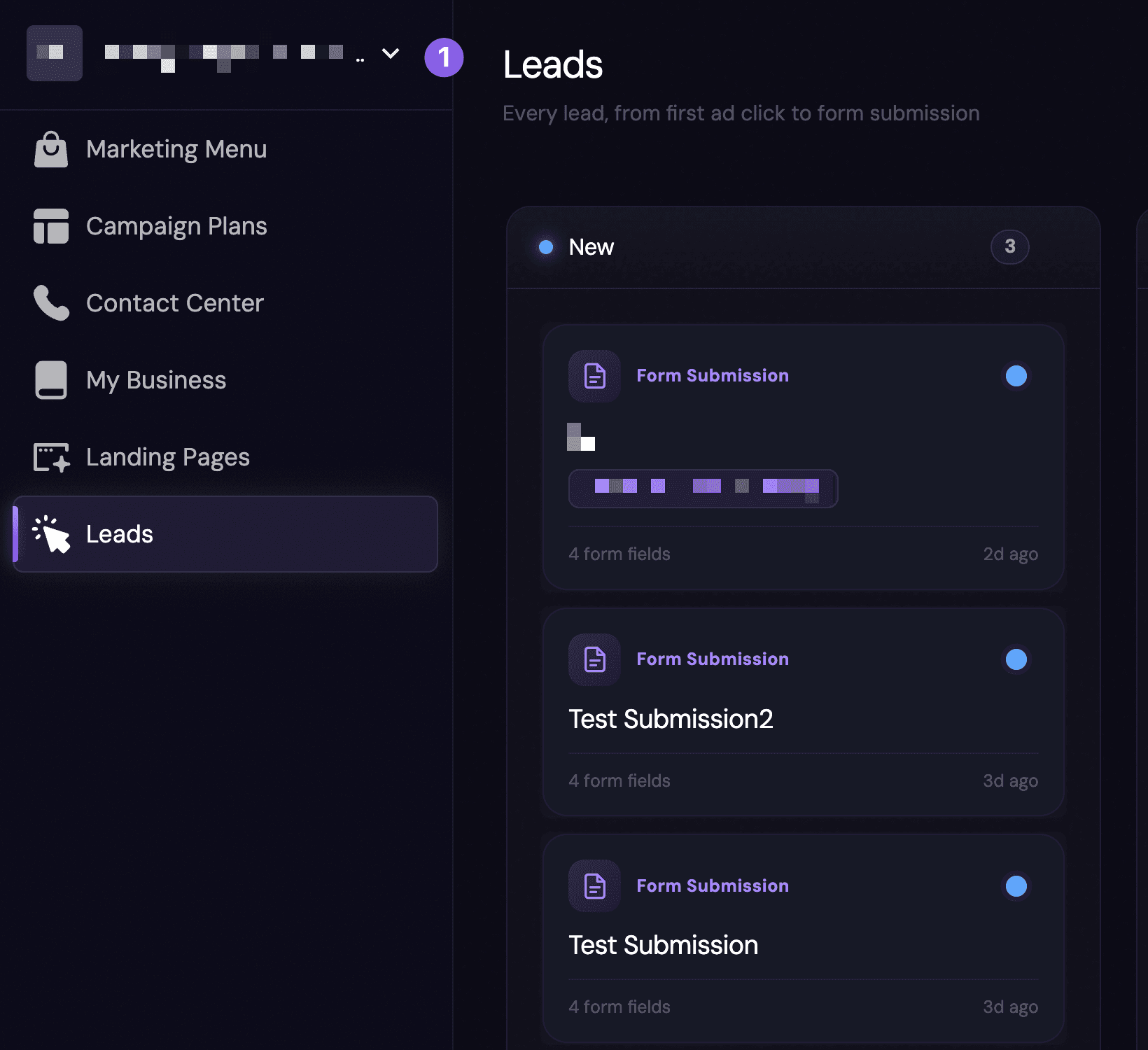
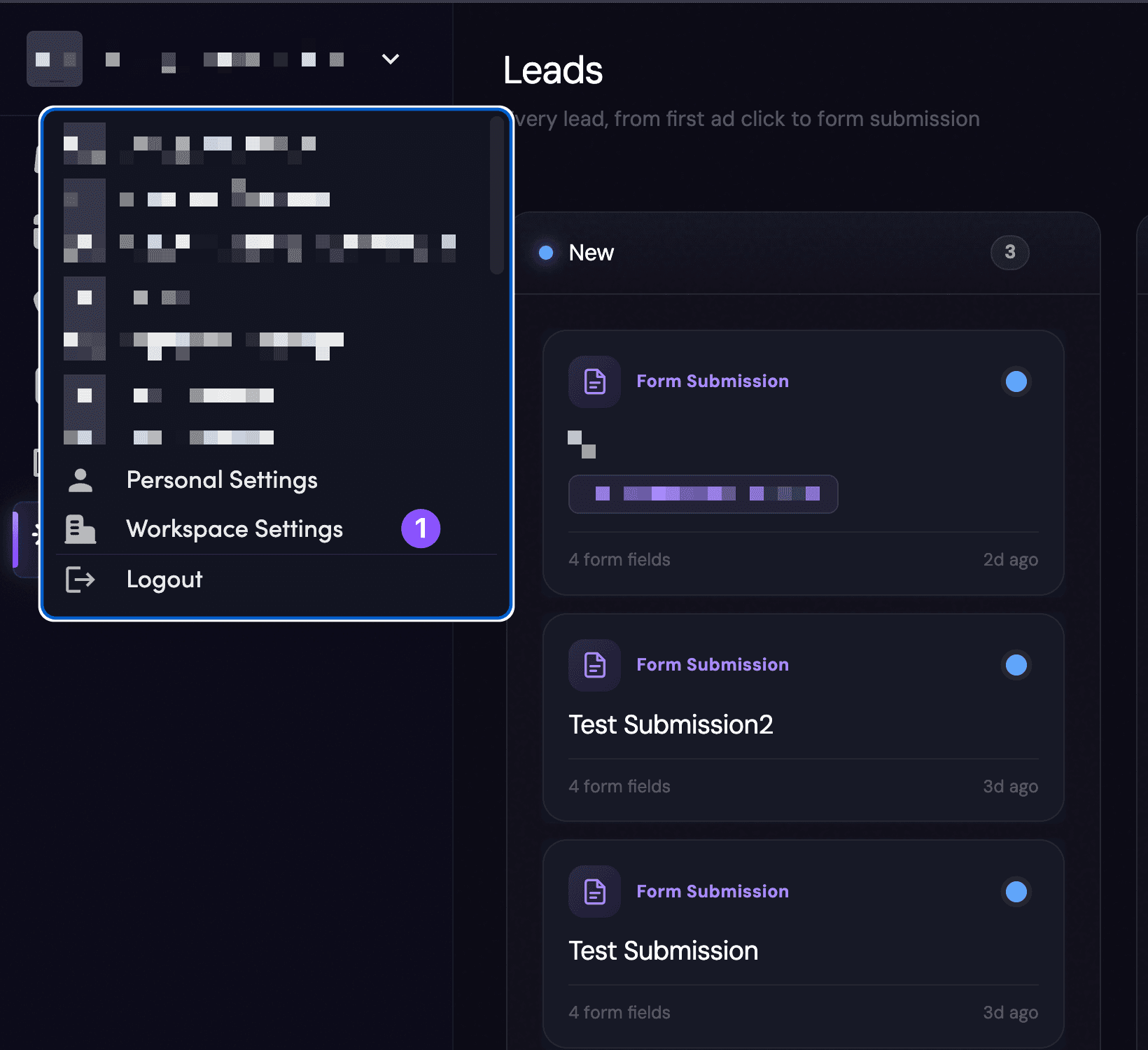
That opens the Settings area, where you'll find General, Members, Landing Page Hosting, Call Center, and more.
Still stuck?
Can't find the setting you're looking for? Reach out and we'll point you to it.